

Seen in and trusted by









01what is kip

Your phone, on your terms.
The kip tag is a small, physical, intentional device for your phone.
Paired with the free kip app, you choose which apps serve you in a moment and which to pause. Socials, news, work, whatever distracts you goes quiet, and everything you actually need stays.
Just one tap to protect your space and take your time back.
02A day with kip
Your phone is in every hour of your day. kip gives some of them back.
One average day, 6am to midnight. Rings are pickups, dots are notifications. Now add kip to the moments that matter most.One average day, 6am to midnight. Rings are pickups, dots are notifications.


An example day with kip: 07:00 to 08:00, Quiet morning: The first hour is yours.; 09:00 to 10:00, Focused work: An hour of real focus.; 12:00 to 12:45, Dog walk: Eyes up, out with the dog.; 14:00 to 15:00, Focused work: Another clear hour.; 17:00 to 18:00, Gym: Every set, fully there.; 19:00 to 20:00, Family time: Fully there with the people who matter.; 21:30 to 24:00, Wind down: The end of the day is yours again..
An example day. The kip figures are worked out from the averages above, with kip on for the moments shown.
Over 1.2 million minutes taken back from distracting apps.
Live from the kip app
20,703hours
Real sessions in the kip app, and growing every day.
Get your kip tag05How it works
See how kip works
Good to know
Tap the kip tag and the distracting apps you chose go quiet. Tap again to bring them back. Your phone stays with you the whole time, on your terms.
Build a mode for each part of your day, name it yourself and choose what it blocks.
No subscription. The app is free on iPhone and Android.
A physical tag built to be tapped, with a non-slip base. No battery, no charging, no wifi.
06Everyday moments
When do I disconnect?

Wind down
The end of the day is yours again. One tap blocks the apps you choose, and everything else on your phone carries on working.
Focus
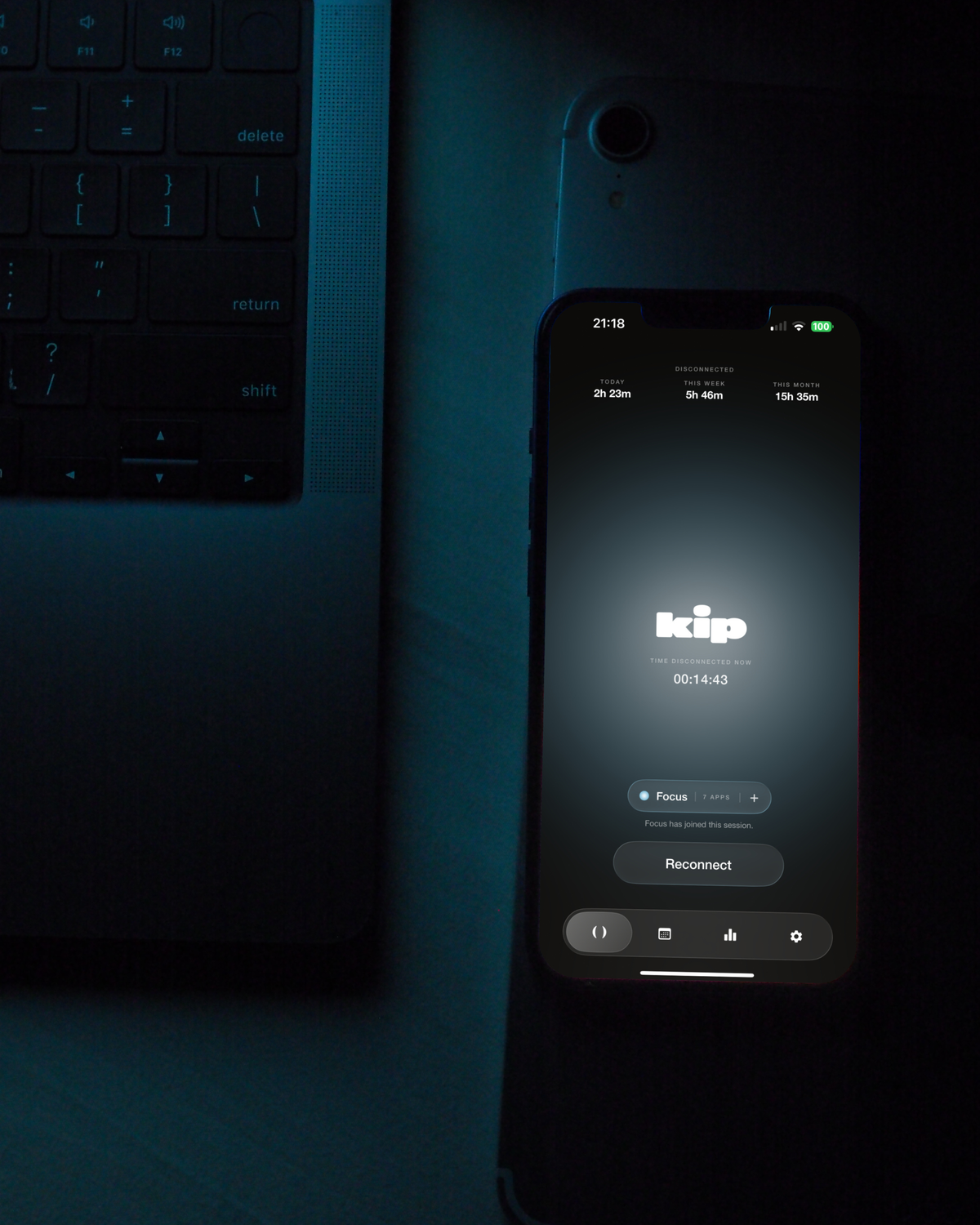
Get your head down for an hour, or the whole afternoon. The apps you choose stay blocked until you tap the tag again.
Family and friends
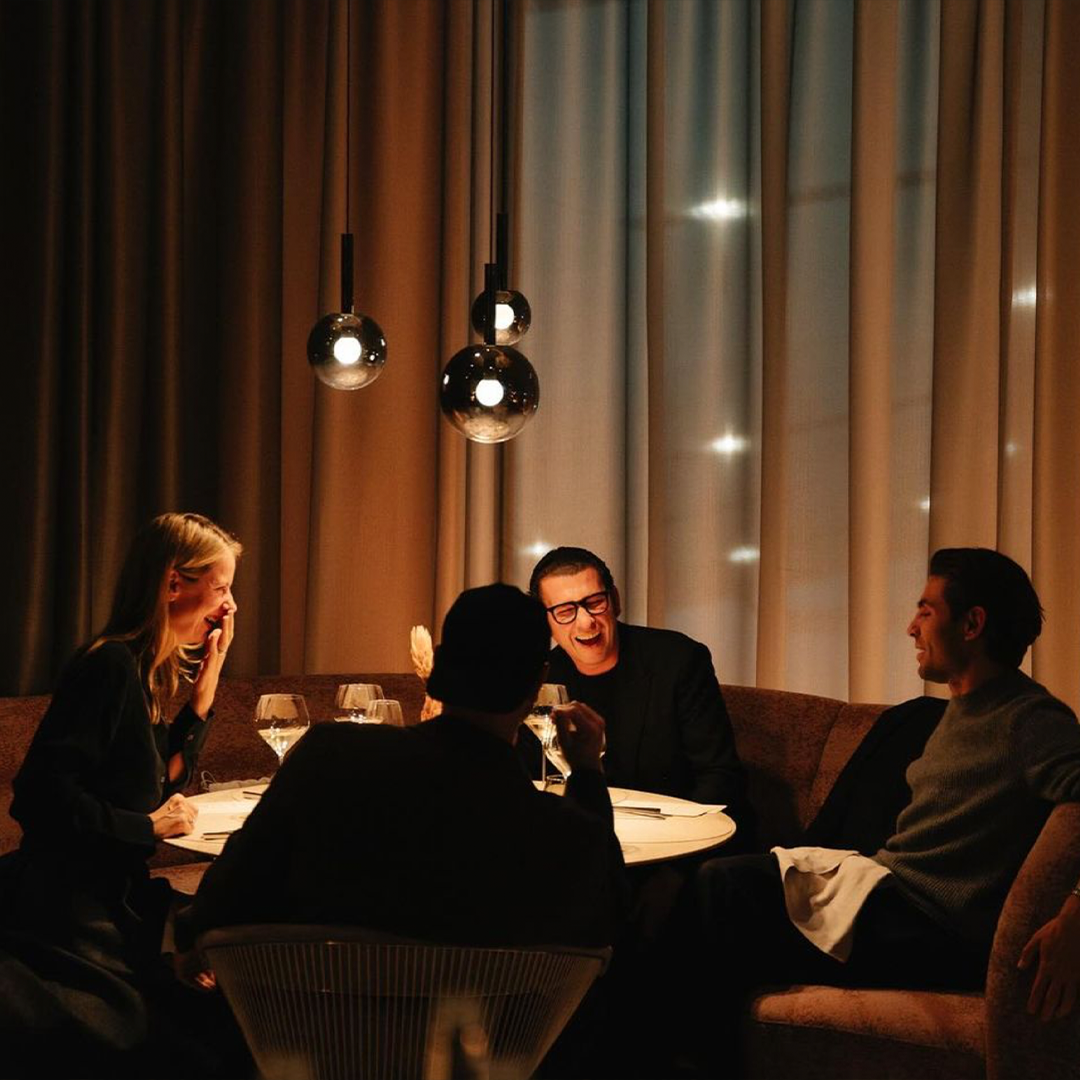
Dinner at home, or a night out with your mates. Your phone still works the whole time, the distracting apps just don't.

Exercise
A class, a lift, or a long run. One tap, and the distracting apps stay blocked until you tap back in.

Dumb phone
Some days you want the lot gone. Block every app you can, and all that is left is what your iPhone will not let anything block.
Just an example. You pick the apps and name the mode yourself, kip never picks for you.
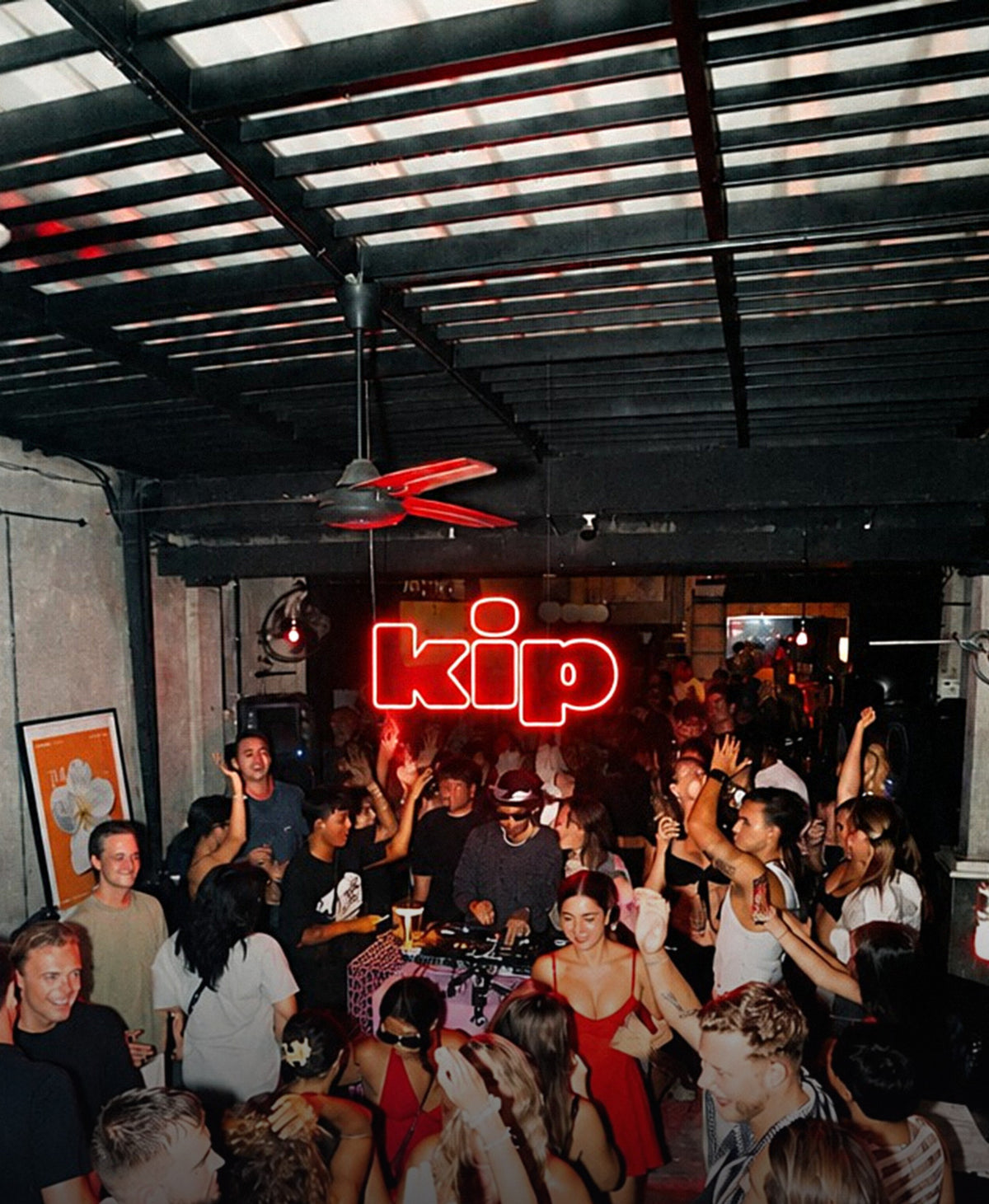
07kip in the wild
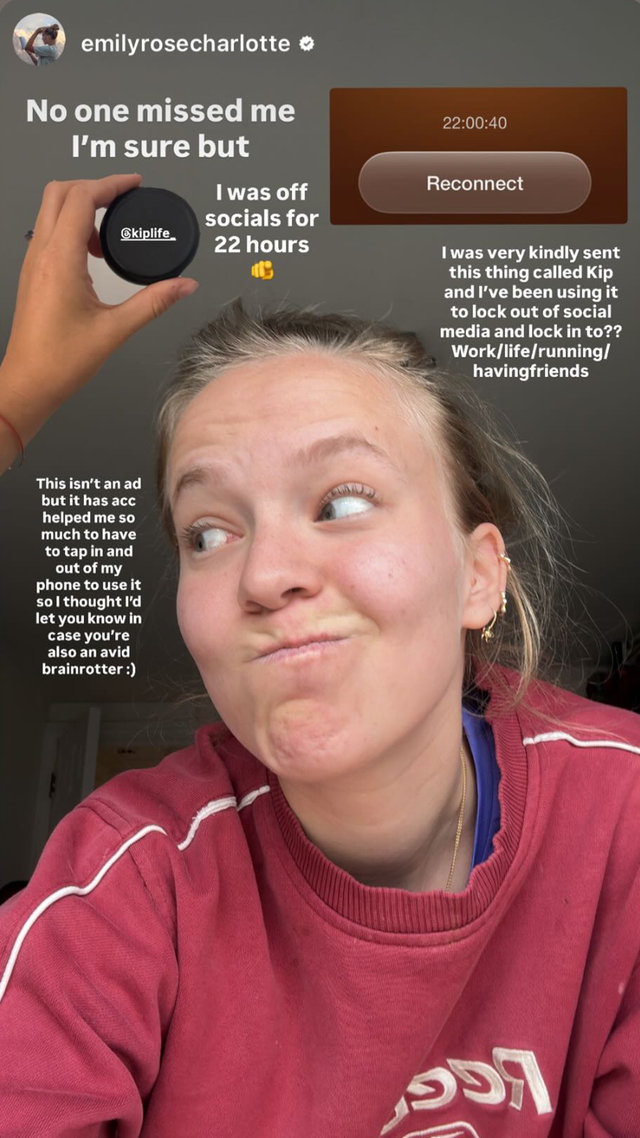
On the wrong end of the algorithm.
You'll see this on the gram. We thought we'd put it here too, where it might do more good.
08what people are asking
FAQs
If you've got a question that's not answered here, drop us an email at hello@kip.life
Because most digital tools are still digital.
You can ignore a notification. You can override a screen time limit. But a physical tag changes the pattern. It makes the decision feel real.
Tap to disconnect. Step into a new routine.
- Your kip tag
- The free kip app for iPhone and Android
- On iPhone: your modes, plus your diary, memories and kip lifetime
- On Android: your modes, tap or hold to disconnect, and your screen time insights. The full kip experience is coming soon to Android.
- No subscription, ever
The kip tag works with iPhones running iOS 16.2 or later, and with most Android phones. It uses the same tap technology as contactless payments.
On Android, the full kip experience is coming soon.
When you tap your phone to the tag, it starts a mode in the kip app that blocks the apps you choose. Socials, news, messages or anything else you need a break from.
Whether it’s your working day or your evening wind down, that tap becomes your cue to switch off, slow down or focus.
To get them back, you tap the tag again.
Yes. You build your own modes, like ‘Wind down’, ‘Deep work’ or ‘Gym’, name them yourself and choose what each one blocks.
kip never picks for you.
On iPhone, your tag registers to you and your phone, so your diary and memories stay yours.
Want one at home and one at work? That’s what the 2-pack is for.
We don’t store or track anything you block. That stays between you and your phone.
- Download the kip app
- Follow the quick setup
- Create a mode and choose what it blocks
- Tap disconnect, then tap the tag, and those apps are blocked
Still need help? There’s support built into the app, or email us any time at hello@kip.life
We currently ship to UK, US, UAE, Australia, Canada + EU (specific countries only).
Rest of the world we will be coming for you soon, we promise.
Note: all international sales may be subject to local customs charges, please check for your local fees.
Accidents happen, so the app includes emergency reconnects that unblock everything straight away.
If you’ve used them all, email us at hello@kip.life and we’ll sort it.
Yes. Hold the disconnect button for 3 seconds and you’re disconnected.
To reconnect, tap your kip tag.
We’re confident kip will help you feel more present. If it doesn’t, our 30-day money-back guarantee has you covered: email us at hello@kip.life and return your tag for a full refund of the tag price.
Standard returns are 14 days. A few fair conditions apply (one claim per customer, tag returned, genuine use), and they’re set out in full in our Returns Policy.
Ready when you are
Take your time back from your phone.
One tap and the distracting apps you choose go quiet. No subscription. 30-day money-back guarantee.
Get your kip tag