
Seen in and trusted by


Over a million minutes taken back from distracting apps.
Real sessions in the kip app, and growing every day.
Get your kip tagHow it works
How the tag works, in three steps
Set it up once. After that it is one tap.

Choose what gets blocked
Download the free kip app and choose which distracting apps you want blocked. Build a mode for each part of your day and decide, for each one, what gets blocked and what keeps working. Your phone on your terms.

Keep it close, but not too close
A session starts and ends with a tap, so your tag needs to be somewhere you will pass without thinking. A fixed spot is what makes it stick, and it is why most people buy more than one.

Tap to start
Open the app, press disconnect, and tap your phone to the tag. The apps you chose are blocked straight away. Everything else keeps working, and your phone stays with you the whole time.
See it in action
See how kip works
Everyday moments
When do I disconnect?
The end of the day is yours again. One tap blocks the apps you choose, and everything else on your phone carries on working.

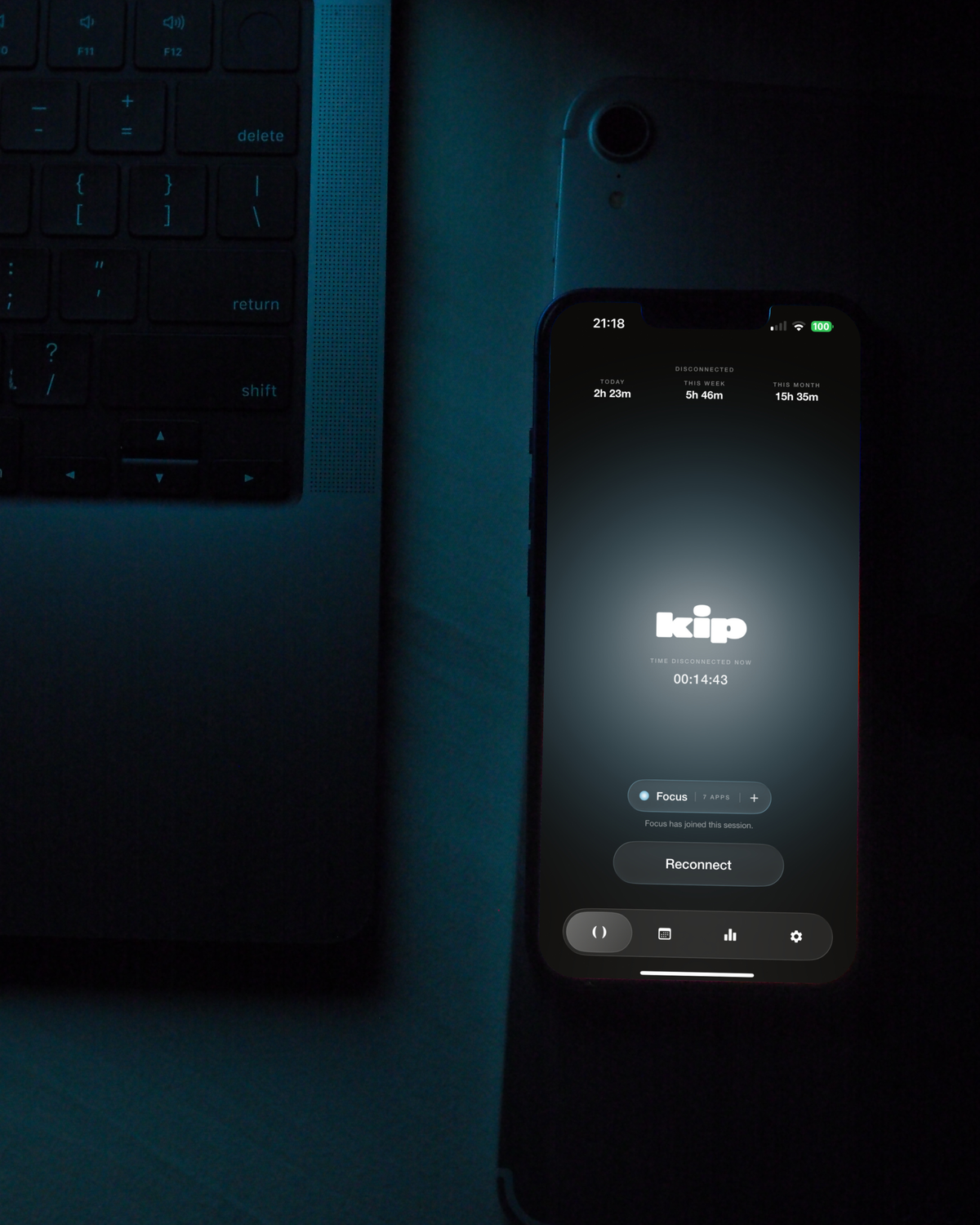



Just an example. You pick the apps and name the mode yourself, kip never picks for you.
Why a tag
The difference is the tag.
Everyone here is trying to solve the same thing. This is what you get with kip, against the alternatives.
| Feature |  |
Your phone's settings | Blocking apps | Other tags |
|---|---|---|---|---|
| What it costs | £44.95 once | Free | £6 to £16 a month | About £46 once |
| No subscription | Yes | Yes | Sometimes | |
| Ending a session needs a physical tap | Yes | Yes | ||
| Nothing held behind a paywall | Yes | Yes | ||
| Plan sessions ahead | Yes | Yes | Yes | Yes |
| Connects to your own calendar | Yes | |||
| Keeps a photo diary of your day | Yes |
Checked against their own pricing pages on 15 September 2026. Blocking apps: a yearly plan works out near the bottom of that range, paying month to month sits at the top. Prices converted from dollars.
Ready when you are
Take your time back from your phone.
One tap and the distracting apps you choose go quiet. No subscription. 30-day money-back guarantee.